PlayDash launched in 2024 as an online casino and sportsbook, licensed and regulated by the Government of the Autonomous Island of Anjouan under licence ALSI-202410062-FI2. The platform accepts players from Malaysia, Singapore and Thailand. English and Chinese speakers use the main site, while a separate version serves Thai. What follows covers account creation, login, KYC verification, security habits, bonus activation, responsible gambling tools and the usual problems. One note before the rest. This is an independent information resource and not the official site, so anything account-specific has to go to PlayDash Support — the 24/7 Live Chat, the support address, or the official Telegram channel.
PlayDash Sign Up: Creating Your Account
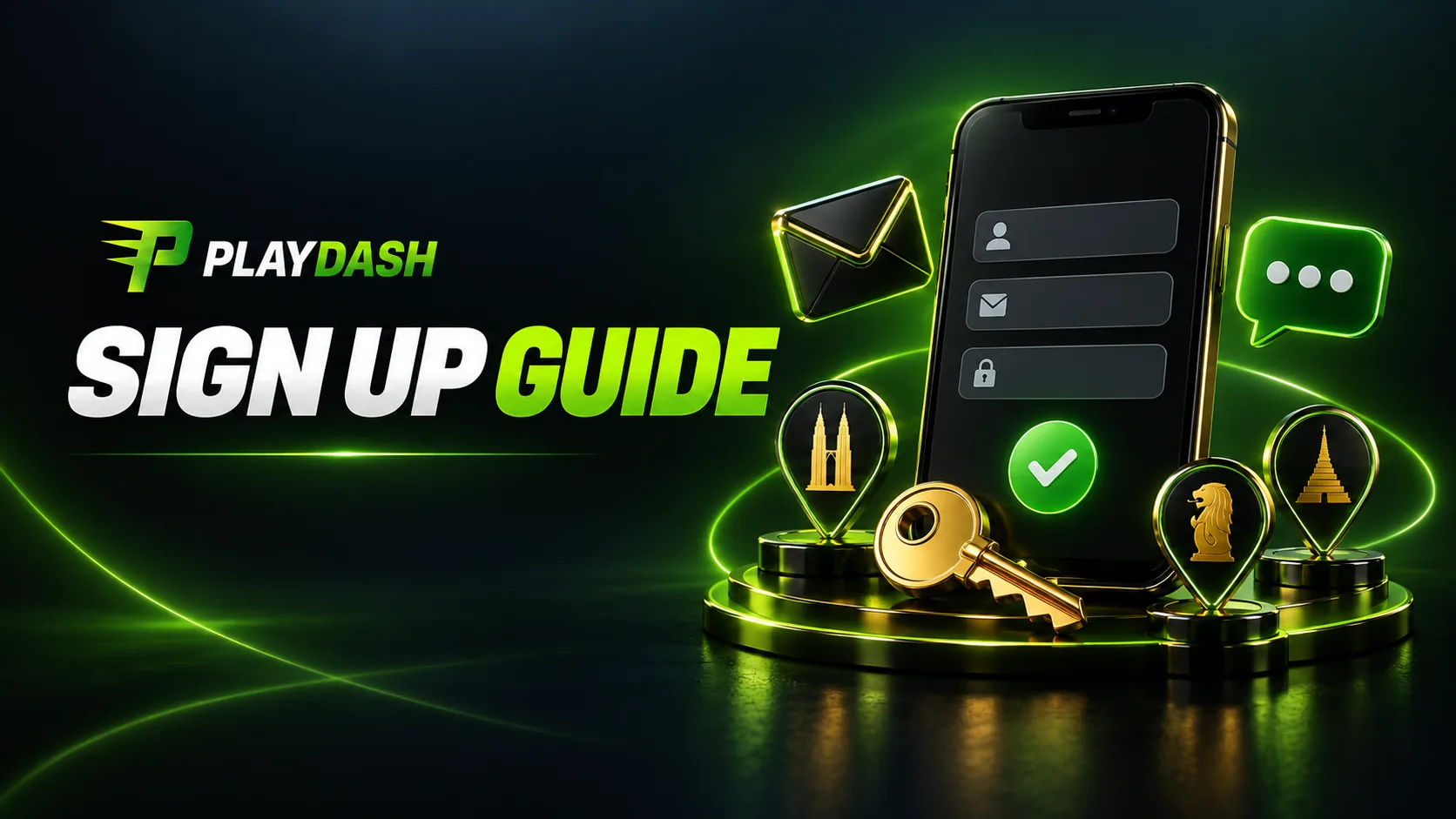
Registration runs 2-3 minutes. You need to be 18 or older and located in Malaysia, Singapore or Thailand. Click ‘Sign Up’, give a phone number or an email address, pick a password, confirm the contact. Nothing else. Documents stay out of it until you request a withdrawal or your lifetime deposits pass EUR 10,000.
Two things become available the moment the account exists — the Welcome Bonus Pack, a 5-in-1 combo tied to your first deposit, and the Verification Quest, 10 free spins for clearing KYC early.
| Status | Countries |
|---|---|
| Accepted | Malaysia, Singapore, Thailand |
| Excluded at registration | England, Scotland, Wales, Northern Ireland, Russia, India, USA |
| Restricted at KYC stage | Australia, Austria, Germany, France, Netherlands, Spain, FATF-blacklisted countries |
Step-by-Step Registration
Open the platform
and click 'Sign Up' in the top-right corner
Choose how you want to register
— phone or email
Type the phone number with its country code, or the email address,
then create a password of 8 characters or more mixing letters, digits and symbols
Set your currency
(MYR comes up as the default for Malaysia) and your country of residence
Tick the T&C box
and submit the form
Confirm the contact
— phone sign-ups get an SMS code, email sign-ups get a verification link
The account activates
and the lobby opens
One clause in the T&C deserves a second look before you settle on that password. Any operation confirmed with the correct login and password counts as a valid transaction. Someone guesses a weak password and empties the balance, and the company still treats those bets as yours.
Countries and Age Restrictions
You have to be 18, or older where your country sets the gambling age higher. Malaysia is the primary market. Singapore and Thailand are accepted, and the block list appears in the table above.
The KYC stage tightens the geography further, and this catches people out. Australia, Austria, Germany, France, the Netherlands, Spain and every FATF-blacklisted country join the restricted list at verification. Registering successfully from one of those places does not mean KYC will approve later. PlayDash also runs one account per player, checked through IP, device fingerprinting and payment method matching. Break that rule and every linked account closes, winnings confiscated.
PlayDash Login: Accessing Your Account
The PlayDash login sits behind the same button in the top-right corner. Click ‘Log In’, enter the phone or email you signed up with, add the password, and the dashboard loads. Fifteen to thirty seconds, no more.
‘Remember me’ holds the session open on devices you trust, which makes it a poor choice on a shared computer. The T&C clause from registration carries over — whatever happens under the correct login and password stands as a valid transaction — so treat these credentials the way you treat a banking app.
PlayDash Casino Login on Desktop and Mobile
Desktop needs nothing installed. Open the official site in any modern browser, click ‘Log In’ at the top right, enter your credentials.
Mobile uses the same address. PlayDash runs as a fully mobile-optimised web app with no separate APK, so the layout adjusts to the screen on its own and slots, live casino, sports and the cashier all stay reachable. For one-tap access, save the site through the browser’s ‘Add to Home Screen’ option. The icon opens like a native app, with the same functionality.
Password Recovery and Session Management
Lost the password? The ‘Forgot Password?’ link sits under the login form. Enter your registered email or phone, and PlayDash sends either a recovery link by email or a reset code by SMS. Most arrive in 5 to 30 minutes. When neither channel reaches you — an old number, a dead inbox — Live Chat runs manual identity verification instead.
Sessions held by ‘Remember me’ last 30 days, or until you log out yourself. Log out manually on any device that is not yours. PlayDash may also end a session on its own after a login from a new IP address or several failed attempts. That is the security layer working, not a fault.
Keeping Your Login Secure
PlayDash encrypts traffic with SSL 256-bit and stores passwords in encrypted form that nobody at the company can read back. Security audits run regularly. Card numbers never sit in full on the platform’s servers, and bank authentication happens inside your own banking app, so card and bank credentials never touch PlayDash servers. Client information falls under the Anjouan Data Protection Framework.
So much for the platform side. The other half is yours — password hygiene, and recognising a phishing message. The T&C is blunt about where that line falls. The company accepts no responsibility for credentials disclosed to third parties.
Password and Two-Factor Authentication Best Practices
Eight characters is the floor for a PlayDash password, mixing uppercase, lowercase, digits and special characters. Leave out your real name and date of birth. Leave out anything you already use elsewhere, because a breach on some unrelated forum should never end up opening your casino balance. A password manager such as Bitwarden or 1Password generates something unique and remembers it for you.
Recovery channels need the same attention. The email inbox and phone number on the account can both reset the casino password, which makes them worth more to an attacker than the password itself. Secure the email account. Never pass an SMS code to anyone, including someone claiming to be support staff.
What to Do If Your Account Is Hacked
Move fast. The T&C treats any operation made with the correct login and password as valid, so the window for limiting damage is narrow. As soon as something looks wrong:
Contact the support address or the 24/7 Live Chat
and ask for the email address and contact number on the account to be changed
Change the passwords
on your email and phone accounts
Go through the devices connected to your email
and remove anything you do not recognise
File an incident report
through a Support ticket
PlayDash never asks for a password by email or in chat. Any message that does is phishing, whatever address it appears to come from.
Identity Verification and KYC Process
Three things trigger full verification. Lifetime deposits crossing EUR 10,000, any withdrawal request, or activity the system flags as suspicious. The T&C sets out the path in four steps:
Personal data
filled in
Phone or email
confirmed
First real-money deposit
made
KYC documents
supplied on request
Clearing verification before you need it takes the document check out of your first withdrawal, and the Verification Quest adds 10 free spins. If something fails, PlayDash writes back through a Support ticket with the reason. Send corrected documents and approval follows.
Documents Required for Verification
Three items make up the standard set.
| Document | Requirements |
|---|---|
| Government-issued photo ID | Passport, national ID or driver licence; not expiring within 3 months; holder 18+; signature present |
| Selfie holding the ID | Face and document clearly visible, used for the liveness check |
| Proof of address | Utility bill or bank statement issued within the last 3 months; name matching the account |
Blurry photos are the most common reason a set comes back. Shoot at 300 DPI or better, keep all four corners in frame, and watch for glare. A complete set clears in 24 to 72 hours.
One naming rule sits outside KYC and still stops withdrawals. The first and last name on the account must match the holder of the bank account you withdraw to, exactly. A mismatch stalls the payment even when verification is approved.
Responsible Gambling Before You Sign Up
A moment of honesty belongs here, before the account exists. Gambling can be addictive. It works as entertainment and as an entertainment expense, never as a source of income and never as a way out of financial trouble. PlayDash accepts players aged 18 and above, or older where the legal gambling age in your country is higher.
The best moment to set personal limits comes right after registration and before the first deposit, when nothing is riding on the decision. Deposit limits, session time limits and loss limits all exist for that. Free and confidential help is available outside the platform too — Gamblers Anonymous at gamblersanonymous.org.uk and Gambling Therapy at gamblingtherapy.org.
Age Verification and Legal Requirements
The age gate is 18+, or your country’s legal gambling age where higher, confirmed through KYC documents. Faking an age or submitting forged papers closes the account immediately, forfeits deposits and winnings, and can bring legal consequences.
Accounts are strictly personal. You deposit and play in your own name, using your own payment methods. Someone else’s card, someone else’s ID, someone else’s account — all prohibited. Multi-accounting falls under the same one-player-one-account rule, and IP, device fingerprint and payment method matching enforce it.
Setting Personal Limits and Self-Exclusion
The T&C gives players three tools.
Deposit limits work on a daily, weekly or monthly basis.
A cooling-off period freezes the account temporarily.
Self-exclusion closes it for a period you choose.
New players who set a deposit limit in their first session rarely regret it.
Self-exclusion requests go to the support address or through Live Chat. Once it starts, you cannot shorten it. It ends with an email notice and manual reactivation, not on its own. PlayDash watches for accounts showing recurring losses or distress in support conversations, and may open a self-limitation conversation without waiting to be asked.
Common Login and Sign Up Issues
A password reset and a browser cache clear between them handle a lot of what goes wrong. The rest sorts into these categories:
- Credentials rejected – wrong password, typos, Caps Lock left on, an expired session
- Code not arriving – for SMS, check signal, roaming, the country code and any SMS-blocking app; for email, check spam and whitelist the support address
- Blocked account – three T&C scenarios, covered below
- Dormant account – 12 months of inactivity, with a EUR 6 monthly fee attached
- Technical – cached data, ad blockers, VPN interference
Whatever survives the basic fixes goes to the 24/7 Live Chat. The agent issues a ticket number so you can track it.
Blocked or Dormant Account Recovery
| Reason for block | How to recover |
|---|---|
| Negative balance after a bet revaluation | Deposit at least the shortfall amount |
| Failed KYC verification | Support ticket with a written explanation; approved once correct documents are supplied |
| Self-exclusion | Account closed after final settlements; re-entry at the company’s discretion |
Dormancy is a separate mechanism. Twelve months with no deposit, bet or withdrawal moves the account to dormant status, and a EUR 6 monthly fee starts 7 days after the notification goes out. Any deposit, wager or withdrawal request brings it back. Check with Support before depositing into an old account, since months of fees can leave less in there than you remember.
Contacting PlayDash Support
The 24/7 Live Chat widget appears on every page. It resolves account-specific problems fastest, since the agent opens a ticket number while you are still in the conversation.
| Channel | Best for |
|---|---|
| 24/7 Live Chat | Urgent, account-specific issues |
| Support email | General support (24h reply per T&C) |
| Compliance email | Formal complaints |
| Additional support email | Additional contact |
| Official Telegram channel | Announcements and support links |
Support answers in English and Chinese. Thai speakers use the Thai version.
Login and Sign Up Guidebook FAQ
Yes. Registration costs nothing, takes 2-3 minutes, and requires no deposit and no documents. Full access to the catalogue opens immediately. The welcome bonuses need a first deposit of MYR 30 to activate. Minimum age is 18.
Yes. Registration costs nothing, takes 2-3 minutes, and requires no deposit and no documents. Full access to the catalogue opens immediately. The welcome bonuses need a first deposit of MYR 30 to activate. Minimum age is 18.
Click 'Forgot Password?' under the login form and enter your registered email or phone. A recovery link or reset code arrives in 5 to 30 minutes, and you set a new password from there. If neither channel works, Live Chat handles manual identity verification.
Common causes are a mistyped password, Caps Lock, an expired session, cookie problems, a lockout after repeated failed attempts, or a restriction such as pending KYC, a geo-block or dormant status. Try a password reset and a cache clear first, then Live Chat.
No documents at registration. KYC triggers on lifetime deposits above EUR 10,000, on any withdrawal request, or on suspicious activity. Early completion avoids withdrawal delays, and the Verification Quest pays 10 free spins.