PlayDash launched in 2024 as a mobile-optimised web app, licensed and regulated by the Government of the Autonomous Island of Anjouan under licence ALSI-202410062-FI2, and open to players from Malaysia, Singapore and Thailand. One point shapes everything below. The site puts out no native APK for Android and no dedicated iOS application. Access runs through the Progressive Web App (PWA) route instead, using your browser’s ‘Add to Home Screen’ option. What follows explains how a PWA differs from a native app, walks the icon setup on Android and iOS step by step, covers what mobile web can do, and looks at the security side of hunting down ‘PlayDash APK’ files from third-party sources. This is an independent information resource and not the official site.
PlayDash App Explained: Why It’s a PWA, Not an APK
Start with the foundation. PlayDash is a fully mobile-optimised web app. No native Android APK, no iOS app in the Apple Store. The platform runs on PWA architecture, which means it opens in a browser — Safari, Chrome, Firefox — and pins to the home screen as a shortcut that looks and behaves like a native application.
The choice is deliberate. Plenty of operators who want fast catalogue updates, without App Store review delays, go the same way. Nothing gets stripped out. Slots, live casino, sports and the cashier all run at full functionality in the browser. Players open the official site in English or Chinese, or the Thai site in Thai, and the same experience follows them to whatever device they pick up.
Web App vs Native App: What’s Different
Both approaches solve one problem, and they solve it differently.
| Aspect | PWA (PlayDash) | Native app |
|---|---|---|
| Installation | None, just a home screen shortcut | Download from a Store |
| Storage used | ~0-50 MB | Typically 100-300 MB |
| Updates | Automatic on every visit | Manual Store downloads |
| Launch speed | Browser-dependent | Slightly faster |
| OS integration | Limited (notifications need permission) | Deep (push, background sync) |
| Availability | Any device with a modern browser | Store-approved regions only |
One advantage matters more than the others for a gambling platform. There is no Apple Store approval process — the process that blocks real-money gambling across most regions — and updates land instantly with every player, no download prompt anywhere.
Why There Is No APK in Google Play
Google Play allows real-money gambling applications in a short list of countries, mostly the UK, Ireland, France, Brazil and a few others, and it requires the developer to register as a licensed gambling operator in each one. Malaysia, Singapore and Thailand — the markets PlayDash serves — are not on that list.
So the missing Play Store entry says nothing about quality. It reflects where the store will and will not distribute, nothing more. Hundreds of licensed operators worldwide reach players the same way, and the browser-based model has turned into the standard answer for markets the app stores leave uncovered.
PlayDash App Download on Android via Home Screen
The phrase ‘PlayDash app download’ hides a small twist on Android. Nothing actually downloads. The browser’s ‘Add to Home Screen’ function drops a launcher icon that behaves like an app, and that is the whole installation.
Every modern Android browser handles it — Chrome by default, and Firefox, Samsung Internet, Edge and Opera alongside. Twenty to thirty seconds, start to finish. At no point does it ask you to allow installation from ‘unknown sources’. That permission is the one third-party APKs need, and the one worth treating with suspicion.
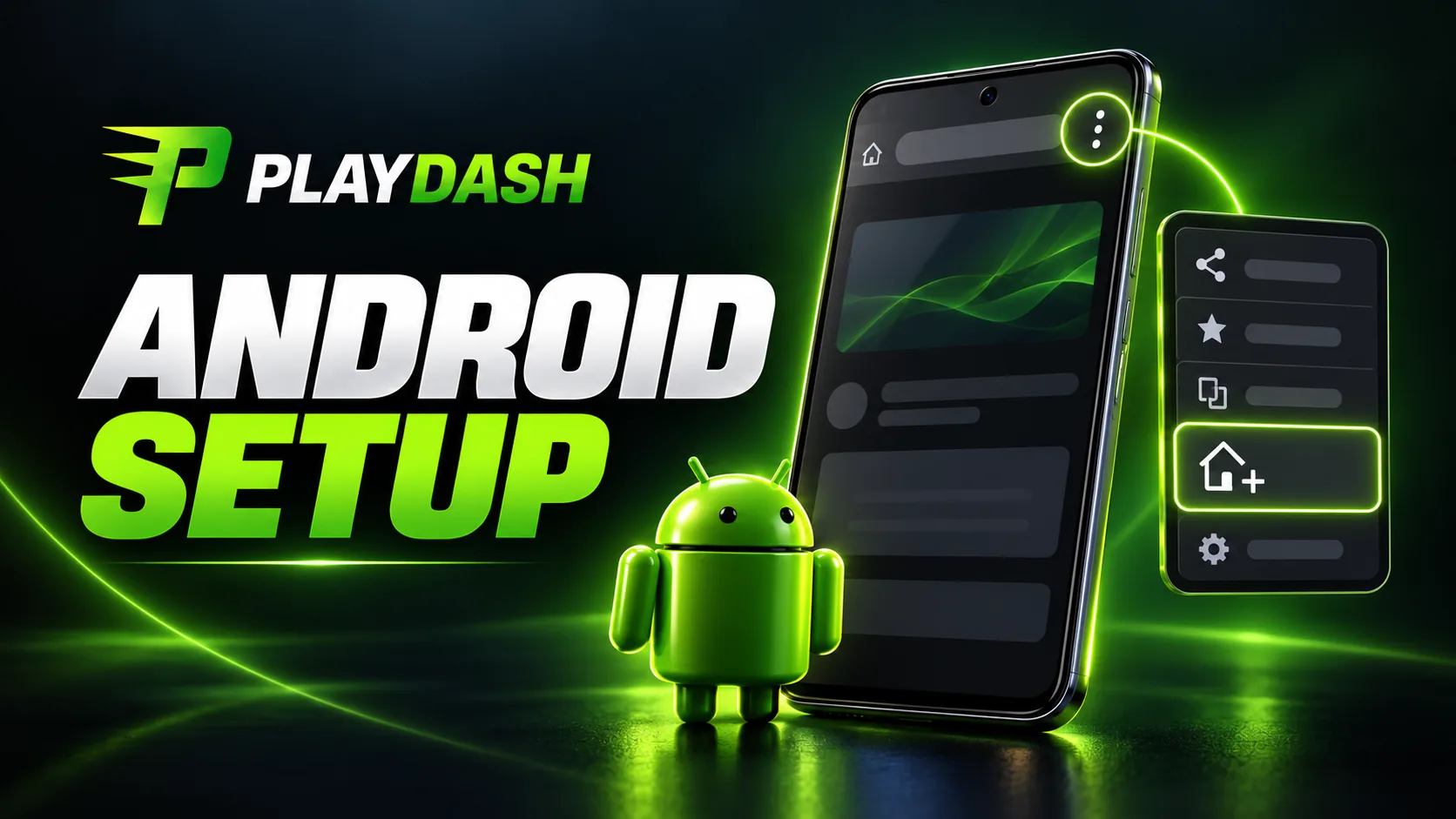
Step-by-Step Home Screen Setup on Android
- Open Chrome (or another browser) and go to the official site
- Tap the menu — the three dots in the top-right corner
- Select ‘Add to Home screen’ or ‘Install app’
- Confirm the name (PlayDash by default) and tap ‘Add’
- The icon appears on your home screen
- Tap it, and platform opens in fullscreen with no browser bars
Some Android versions throw up an install prompt on their own the moment you land on the site. When that banner shows, one tap on ‘Install’ does the whole job.
PlayDash on iPhone and iPad Using Safari
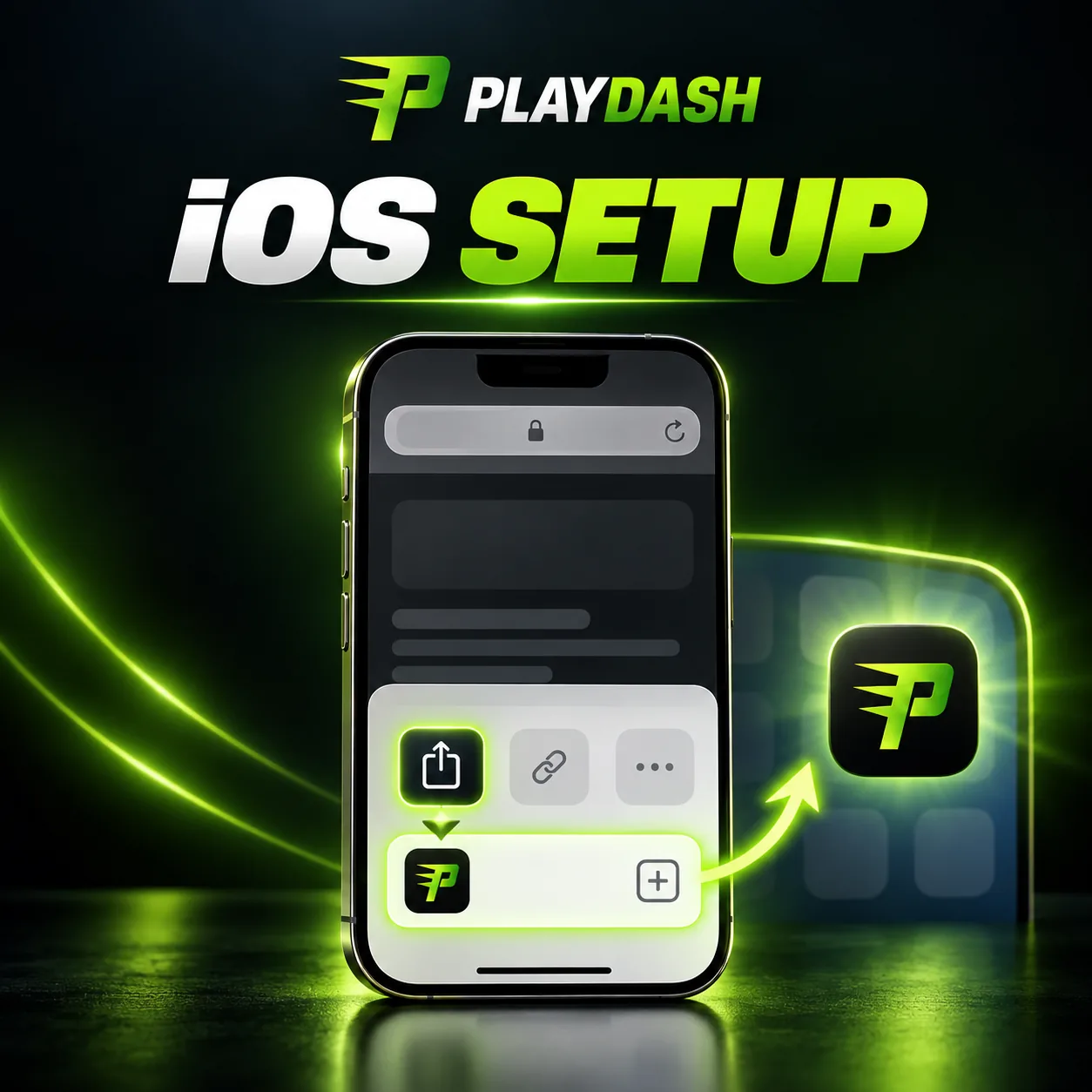
iOS works the same way. No dedicated app in the App Store, because Apple restricts real-money gambling much as Google does. Safari’s ‘Add to Home Screen’ function creates the PWA shortcut.
There is one rule specific to iOS. The feature works in Safari only, not in Chrome or Firefox on an iPhone. Every third-party iOS browser runs on the WebKit engine, but not all of them support PWA installation, which leaves Safari as the way in.
Step-by-Step Home Screen Setup on iOS
On iPhone or iPad:
- Open Safari — Chrome will not do here
- Go to the official site
- Tap the Share button, the square with the upward arrow in the bottom toolbar
- Scroll down the share sheet and select ‘Add to Home Screen’
- Confirm the name (PlayDash by default) and tap ‘Add’ in the top-right corner
- The icon lands on your home screen
- Tap it, and site opens fullscreen with no Safari toolbar
The iOS result is about as clean as PWAs get. Visually it is hard to tell apart from a native app, and most players never notice which one they are running. Here are the two platforms next to each other.
| Android | iOS | |
|---|---|---|
| Browser | Chrome, Firefox, Samsung Internet, others | Safari only |
| Menu path | Three dots → ‘Add to Home screen’ | Share button → ‘Add to Home Screen’ |
| Auto-prompt | Sometimes shows an ‘Install’ banner | Never, always manual |
| Time needed | 20-30 seconds | 20-30 seconds |
Warning About Fake PlayDash APK Files
Read this part closely. PlayDash releases no native APK. So every ‘PlayDash.apk’ file doing the rounds on forums, Telegram channels or third-party download sites is unofficial by definition, and possibly dangerous. What you are risking:
- Malware, including banking trojans built to go after mobile banking apps
- Credential theft through fake login screens that ship your password straight to an attacker
- Account hijacking by an application that logs every tap you make
The real PlayDash lives only in the browser on the official site. Treat any ‘APK download link’ from an unofficial source as suspicious, however convincing the page wrapped around it looks.
How to Verify You’re on the Official PlayDash Site
Two checks catch most of the phishing risk.
| Check | What to look for |
|---|---|
| URL | Exactly the official domain, English and Chinese or the Thai |
| SSL certificate | Padlock icon before the URL; confirm ‘Certificate valid’ |
Phishing sites trade on typos — playdash5.com, play-dash.com, playdashcasino.com and lookalikes of that sort are all fake. The padlock backs up the URL check, since PlayDash runs SSL 256-bit encryption on its traffic. One habit works better than either check. Bookmark the official URL after your first visit, and you stop reaching the site through search results or ads altogether.
What You Can Do in the PlayDash Mobile App
The PWA carries the full platform, with nothing held back on mobile. Four verticals:
- Slots – thousands of titles across 38 providers, led by Pragmatic Play with 620 games, KA Gaming with 541 and Spinomenal with 509
- Live Сasino- roulette, blackjack, baccarat and Dragon Tiger from Evolution, Pragmatic Play Live, Playtech and Creedroomz
- Sports and esports – football, basketball, badminton and esports markets, with parlays and a Parlay Boost of up to 50%
- Instant games – Aviatrix, Chicken Road 2.0 and TVBet
Around the games sit the cashier for deposits and withdrawals, the Promotions hub with the PD Wheel, the Lootbox and the Slots Challenge, and the 24/7 Live Chat. Mobile and desktop share the same functionality, so playing on a phone costs you nothing.
Cashier and Payments in the Mobile App
The mobile cashier carries the full payment lineup.
| Method | Limits |
|---|---|
| DuitNow QR | MYR 30 – 10,000 per transaction |
| Touch ‘n Go eWallet, ShopeePay, GrabPay | E-wallet deposits |
| FPX / bank transfer | Up to MYR 30,000 |
| USDT (TRC-20 / ERC-20) | Up to MYR 50,000 |
Everything moves through licensed gateways — TruePay, SurePay, FastPay and DGPay. Withdrawals start at MYR 50, capped at 5 requests or MYR 50,000 per day, whichever comes first, with the counter resetting at 8:00 AM UTC+8. Payouts go out on instant local rails in around 10 minutes, no fees.
One security detail is worth a mention here. Bank authentication happens inside your own banking app, which keeps card credentials off PlayDash servers.
Common PlayDash App Issues and Fixes
Five scenarios cover most of what goes wrong with the PWA.
- ‘Add to Home Screen’ missing — check you are in Chrome or Safari and not an in-app browser like Facebook’s or Instagram’s, try incognito mode, clear the browser cache
- Icon opens but content will not load — check the connection first, then clear the PWA cache via Settings, Apps, PlayDash, Storage, Clear Cache
- Login trouble through the PWA — usually a cookie problem; remove the icon and re-add it through the browser
- Live streaming not playing — check hardware acceleration in browser settings; 4G is the practical minimum
- Push notifications silent — PWA notifications need site permission, granted on the first visit
Anything account-specific goes past troubleshooting and into the 24/7 Live Chat on the official site or the support address.
Responsible Play on Mobile Devices
The site accepts players aged 18 and above, or older where the legal gambling age in your country of residence is higher, and the PWA changes none of that. Age verification and KYC apply on mobile exactly as they do anywhere else.
Mobile convenience brings a quiet risk with it. An app sitting in your pocket makes it easy to lose track of how long you have been playing. That is the reason to build the sensible habits early. Set deposit limits in Profile settings right after your first login. Reach for a cooling-off period at the first sign that play feels compulsive. Request self-exclusion through the support address or the Live Chat when concerns turn serious. Gambling is an entertainment expense and never a fix for financial problems, and free help is there through Gamblers Anonymous (gamblersanonymous.org.uk) and Gambling Therapy (gamblingtherapy.org).
PlayDash App Guidebook FAQ
No. PlayDash releases no native APK. The official Android route is a browser — Chrome, Firefox, Samsung Internet or another — on the official site, with an icon added through 'Add to Home Screen'. Any 'PlayDash.apk' file from a third-party source is potentially malicious and best avoided.
Through Safari and 'Add to Home Screen' in the Share menu. It works in Safari only, not Chrome on iOS. Open the official site in Safari, tap the Share button, choose 'Add to Home Screen' and confirm. The icon then runs fullscreen like a native app.
Yes. The 'Add to Home Screen' route is the safest way in. It asks for no 'unknown sources' permission, installs no executable code, and runs on the same security model as a normal browser tab, SSL 256-bit encryption included. Phishing sites are the real risk, so verify the official site or the Thai site every time.
Very little. The PWA installs a shortcut icon and a small cache of roughly 10-50 MB that the browser handles on its own, against the 100-300 MB a native gambling app tends to take. Remove the icon or clear the browser cache and the space comes straight back.
No. The PWA updates itself. Every visit to the official site loads the current version, with no manual downloads and no Store update prompts. The only thing you might ever do is clear the cache if loading acts up after a major site update.
Yes. The PWA runs the same on iPad and Android tablets, added through 'Add to Home Screen' in Safari or the browser menu. The layout scales to the larger screen on its own, and the extra room tends to suit live casino streaming and multi-market sports betting better than a phone does.